
WORKSHOP ON ACTIVEDATA FOR AUDITING
18th-19th February, 2026 7th-8th May, 2026
20th-21st July, 2026
29th-30th September, 2026
Introduction
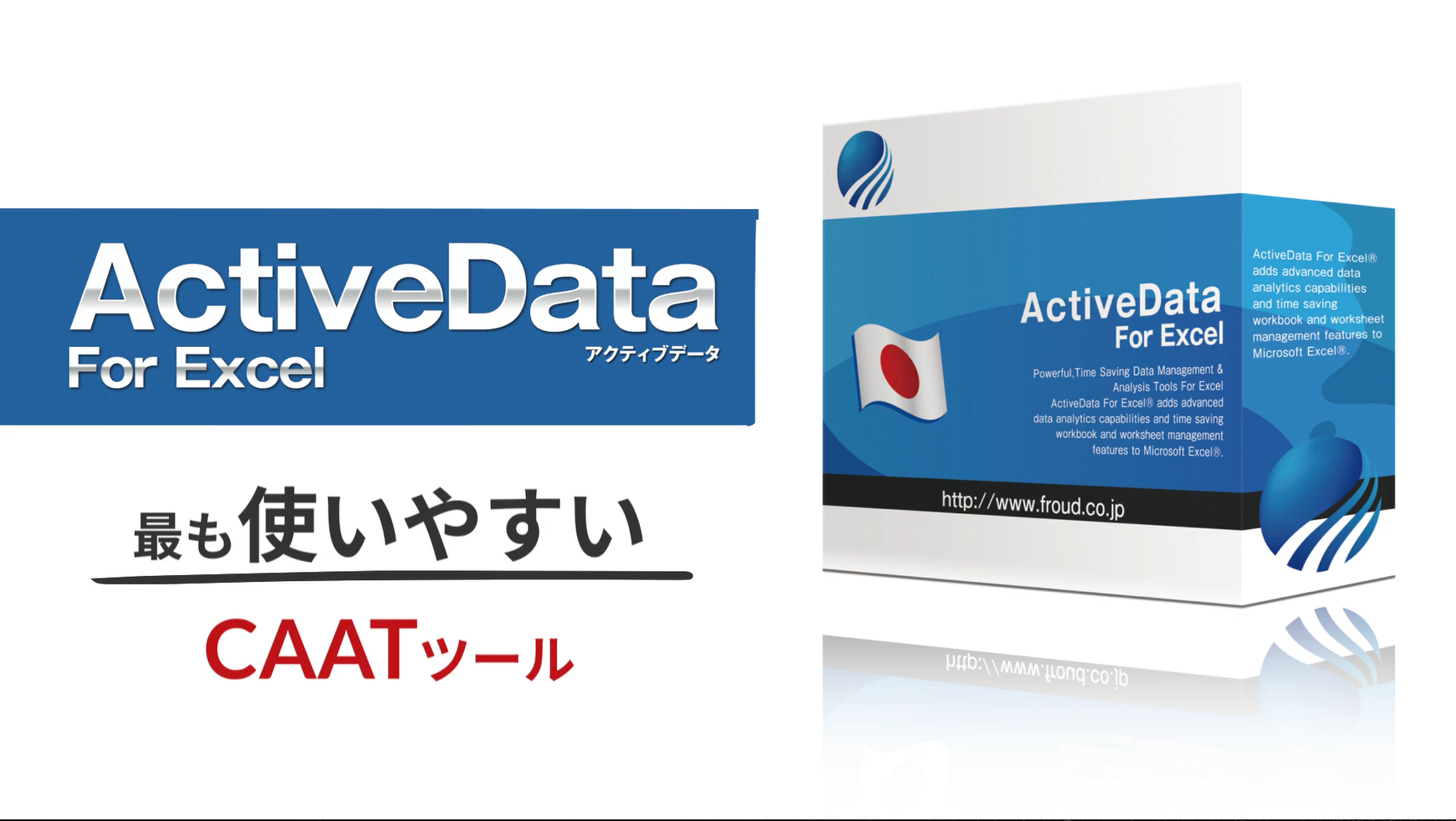
ActiveData for Excel is an add-in tool that enhances Microsoft Excel with over 100 data analysis, auditing, and management features,
such as merging, querying, summarizing, and sampling. It facilitates, for example, comparing worksheets, finding
duplicates/gaps, and analyzing large datasets directly within Excel, making it a cost-effective alternative to
tools like ACL or IDEA.
Key Features and Usage Examples
· Data Analysis & Auditing: Allows users to find duplicates, detect missing items in sequences, and verify data
integrity.
· Worksheet Management: Functions include joining, merging, matching, splitting, and summarizing data.
· Advanced Querying: Enables querying sheets using formulas or examples, similar to database functionality.
· Large Dataset Handling: ActiveData for Office enables processing data beyond Excel’s standard row limitations by
utilizing Microsoft Access.
· Text Analytics: Facilitates searching and summarizing data within Word, PDF, and text documents.
Course Learning Objectives
By the end of these training sessions, participants are expected to be able to:
- Perform 16+ common audit tests in Excel.
- Transition from manual data analysis to automated, in-depth analysis.
- Detect organizational inefficiencies and fraud.
- Use skills directly transferable to larger CAAT tools like ACL or IDEA.
Course Contents
Module One: Introduction and Overview
· ActiveData Features: Overview of the user interface and functionality, such as workbook/worksheet management.
· Installation & Setup: Getting started with ActiveData for Office/Excel.
· Working with Sample Data: Using built-in, pre-loaded data to learn tools.
Module Two: Data Manipulation and Management
· Merge Sheets: Combining sheets based on common keys.
· Compare Sheets: Comparing vendor, employee, or other data sets.
· Find Duplicates: Identifying duplicates within transaction data.
· Find Gaps: Locating missing gaps in transaction sequences.
· Splitting & Combining Columns: Specifically for dealing with Debit/Credit columns.
· Text Analytics: Using the utility to perform word summaries and keyword searches on Word, PDF, and text
documents.
Module Three: Data Analysis and Audit Techniques
· Descriptive Statistics: Summarizing data sets using ActiveData.
· Audit Sampling: Techniques including Attribute and Monetary Unit Sampling.
· Fraud Detection (Benford’s Law): Using Benford’s Law to detect potential fraud.
· Data Stratification: Segmenting data into ranges for analysis.
· Age Analysis: Receivable management and aging date columns.
· Top/Bottom Items: Analyzing extreme values.
· Querying Worksheets: Using “Query By Formula” and “Query By Example” for data interrogation.
Module Four: Specialized Audit Areas
· Accounts Payable/Receivable: Specific,pre-mapped audit tests (e.g., vendor/employee address matches).
· General Ledger Audit: Audit tests for G/L.
· Cash Receipt/Invoice Matching: Fraud detection and cash recovery reporting.
Module Five: Reporting and Automation
· Pivot Tables/Charts: Creating quick summaries and visualizations.
· Exception Reporting: Generating reports based on, for example, missing gaps or duplicates.
· Automation: Using ActiveData to automate routine, manual, and repetitive, spreadsheet tasks.
Duration: Two (2) days Fee: N180,000
Phone No:
08052062320, 08095284269
08168381962
Email Address
training@nazellinkconsult.com info@nazellinkconsult.com
Contact Info
Address
2nd Floor, Acme House, 23, Acme Road, Ogba, Ikeja,Lagos. Nigeria.
Phone No:
08052062320, 08095284269,
07085271570
Email Address
info@nazellinkconsult.com