
ANALYZING AND VISUALIZING DATA WITH POWER BI
2nd-5th March, 2026 2nd– 5th June, 2026
1st-4th September, 2026 16th-19th November, 2026
Introduction
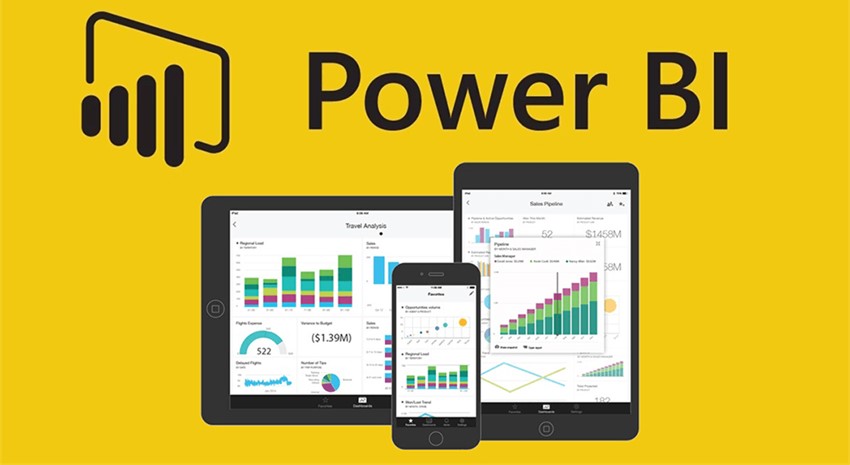
Power BI is a cloud-based business analytics service that helps create live operational dashboards from on-premises and cloud data in one central location that one can access across a range of devices. Power BI helps stay up to date with the information that matters. One can connect to multiple datasets to bring all of the relevant data together in one place. With Power BI, dashboards help you keep a finger on the pulse of your business. Your dashboards display tiles that you can click to explore further with reports.
It is a collection of software services, apps, and connectors that work together to turn your unrelated sources of data into coherent, visually immersive, and interactive insights. Your data may be an Excel spreadsheet, Access Database, SQL or a collection of cloud-based and on-premises hybrid data warehouses. Power BI lets you easily connect to your data sources, visualize and discover what’s important, and share that with anyone or everyone you want.
Power BI Desktop lets you create a collection of queries, data connections, and reports that can easily be shared with others. Power BI Desktop integrates proven Microsoft technologies – the powerful Query engine, data modeling, and visualizations – and works seamlessly with the online Power BI service.
Objectives
As you start your data analysis and visualization journey with Power BI, this course will give you an overview of Power BI and how you can use it to connect to multiple data sources, create and enhance the data model, explore the data, create stunning visualizations, upload reports and create dashboards, share all of these with your co-workers, and much more!
Course Contents
Module One: Power BI Desktop, Data Transformation
Desktop data transformation – Connecting into Database, basic transformation, managing query group, splitting columns, changing data types, working with dates, removing and reordering column, conditional column, connecting to files in a folder, merge query, dependency query view, transforming less structured data, enter data directly, query parameter.
Module Two: Data Modelling in Power BI Desktop
Managing data relationship, creating calculated column, optimizing models for reporting, creating calculated measures, creating and managing heirachies, calculated table, time intelligence (Drilling), Data Analysis Expression DAX, manually typing in the data table, grouping and binding.
Module Three: Data Visualization
Pie and TreeMap, heirachical axis concatenating, filter (including Top N), bar chart, with line (Combo chart), Analytics pane, clustering and machine learning, inserting slicers, focus mode and see data, date slicer, map and filled map, ESRI map, table and matrix, table style, scatter chart, waterfall chart, gauge; card and KPI, coloring chart, shapes; textboxes and images, gridlines and snap to grid, visual relationships, categories with no data, duplicate page, default summarization and categorization, positioning ; aligning and sorting visuals, custom heirachies, R-visual integration.
Module Four: Working with Power BI Online service
Overview of Dashboard and service – uploading to Power BI service, quick insights, configuring a dashboard, adding textbox and image widgets, featured and favorite dashboard, filtering dashboard, dashboard setting, natural language queries, featured questions, sharing a dashboard focus mode, pinning a live page, custom URL and title, TV mode and collapse navigation, printing dashboard and exporting data, export to CSV, Power BI notification, alerts in Power BI service, personal gateway, publishing to web, admin portal, viewing in window App, viewing in android App, viewing in iPads, viewing in iPhone.
Module Five: Connecting and Collaborating with Excel
Importing Excel data using simple table . Excel workbook with Excel data model
Connecting to Excel workbook on One Drive for business
Pinning Excel tables or visuals
Analyzing Data in Excel
Duration: Four (4) days Fee: N300,000
For whom:
Suitable for any person or group that intend to skill up in data analytics, data science and data engineering. Sales or Financial staff or any data oriented organization.
Phone No:
08052062320, 08095284269, 08168381962
Email Address
training@nazellinkconsult.com info@nazellinkconsult.com